Breaking Down Language Barriers: Multilingual eLearning Strategies
By: Dr. Brie Nelson
According to CSA Research, 76% of people prefer learning materials in their native language—a statistic that underscores the importance of multilingual eLearning in today’s highly connected workforce. For organizations with diverse teams or international audiences, providing training in just one language can create barriers to understanding, engagement, and application.
Creating effective multilingual courses isn’t just about translating words. It means adapting language, visuals, and cultural references so the learning experience feels natural and relevant to each audience. This blog explores five practical strategies, each with actionable checklists and examples, that can help you design eLearning that speaks to learners everywhere.
Strategy 1: Localize, Don’t Just Translate
Direct translation may capture words but often misses meaning. Localization adapts examples, references, visuals, tone, and even formality so they make sense in the learner’s context. This ensures learners not only understand the material but also feel it was created with them in mind.
For example, if your course uses a U.S.-based customer service scenario, replace the customer’s name, location, and product with those familiar to the target region. A course on retail sales for Brazil might swap U.S. dollar prices for Brazilian Real, use metric measurements, show storefront photos from Brazilian cities instead of American malls, and adopt the polite form of address used in Brazilian Portuguese.
Cultural nuances go beyond words with colors, symbols, and imagery can convey different meanings. A color associated with celebration in one country might signify mourning in another. Paying attention to these details helps avoid misunderstandings and builds trust.
Checklist:
- Adapt examples, case studies, and scenarios to local contexts
- Replace region-specific references with local equivalents
- Adjust currency, measurement units, and date formats
- Swap out visuals that rely on unfamiliar cultural cues
- Align tone and level of formality with local norms
Strategy 2: Use Clear, Simple Language in the Source Material
Even the best translators can’t work effectively if the original text is overly complex. Writing simply from the start ensures meaning is preserved and reduces the risk of confusion for learners in any language.
This means avoiding slang, idioms, and region-specific humor, but it also extends to sentence length, clarity of instructions, and logical flow. The easier your content is to read in its original form, the easier it is to adapt without losing intent.
For example, instead of “We’ll hit the ground running”, use “We will start immediately.” The second phrase is more universally understood and less likely to be misinterpreted.
Checklist:
- Avoid idioms, slang, and humor that don’t translate well
- Use short, direct sentences and active voice
- Define technical terms and acronyms in the text itself
- Organize information with headings, lists, and bullet points
- Maintain logical, step-by-step flow
Strategy 3: Plan for Multilingual Design Early
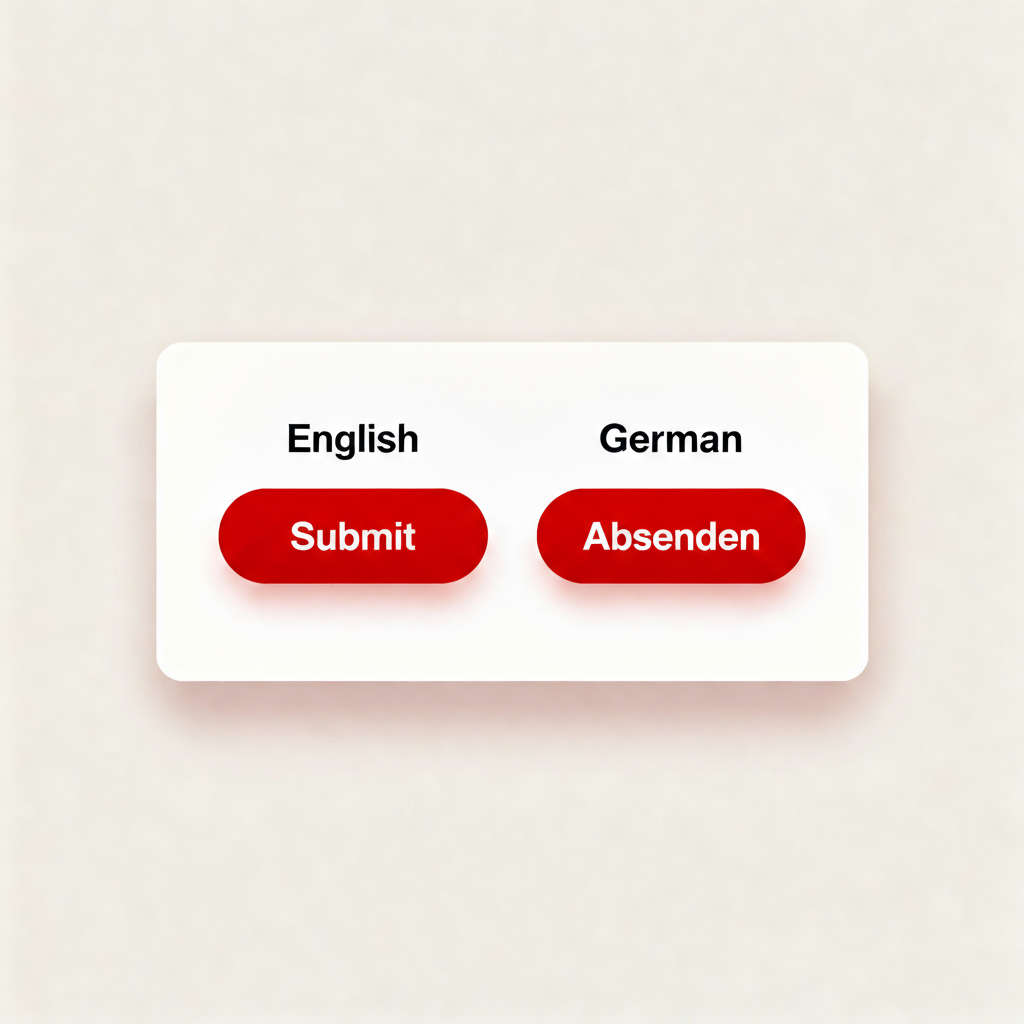
A course that looks great in one language can break when translated into another if design isn’t considered early. Translation can expand text by 30–40%, scripts may require different character sets, and right-to-left languages like Arabic or Hebrew, which need mirrored layouts. By preparing your design for these variations from the start, you avoid costly redesigns later and maintain a consistent learner experience across all languages.
For example, an interface button labeled “Submit” in English might grow significantly in German (“Absenden”), causing layout issues unless the design already accounts for extra width.
Checklist:
- Choose fonts that support all target scripts (Latin, Cyrillic, Arabic, etc.)
- Allow space in layouts for text expansion and contraction
- Separate text from visuals for easier editing
- Prepare mirrored layouts for right-to-left languages if needed
- Apply consistent style guides for formatting in every language
Strategy 4: Offer Multiple Formats
Different learners process information in different ways. Multilingual audiences may face additional barriers like bandwidth limitations or accessibility needs. Offering content in multiple formats helps ensure everyone can access and engage with it.
For example, a compliance training video could be accompanied by translated subtitles, downloadable transcripts, and localized voice-overs. This benefits not only non-native speakers but also learners who prefer reading or have hearing impairments.
Checklist:
- Add subtitles in all target languages for videos
- Provide downloadable transcripts for audio content
- Offer localized voice-over options for key materials
- Create text-only versions for low-bandwidth environments
- Ensure all formats meet accessibility guidelines (WCAG)
Strategy 5: Involve Native Speakers in Quality Review
No matter how skilled the translator, subtle nuances can still be missed without a native speaker review. Native reviewers can confirm whether tone, cultural references, and learning examples feel natural and relevant. This step also helps identify any accidental cultural insensitivities—such as symbols, gestures, or metaphors that might be harmless in one region but offensive in another.
For example, a leadership training intended for a Latin American audience might be adjusted after reviewers note that a certain U.S.-style “individual achievement” example resonates less than a “team success” story in that cultural context.
Checklist:
- Have native speakers review all translated content for tone and accuracy
- Check for culturally sensitive language, images, or scenarios
- Test interactive elements with target-language learners
- Collect pilot feedback before full rollout
- Adjust based on reviewer recommendations
Pitfalls to Avoid
Even with the best intentions, multilingual eLearning projects can stumble when key considerations are overlooked. Avoiding these common missteps will save time, reduce costs, and improve learner experience:
- Over-reliance on machine translation. Without human review, nuances and accuracy often suffer.
- How to avoid: Use professional translators and have native speakers review the final content for tone and clarity.
- Ignoring text expansion and contraction can lead to broken layouts or cut-off text in the translated course.
- How to avoid: Design flexible layouts from the start, leaving extra space for longer words and phrases.
- Keeping culturally irrelevant or inappropriate content. Examples, humor, or imagery may not land or could offend in different regions.
- How to avoid: Conduct a cultural relevance review before translation and replace or adapt any questionable content.
- Using inconsistent terminology, such as mismatched translations for key terms, creates confusion for learners.
- How to avoid: Create and maintain a bilingual or multilingual glossary of approved terms for translators and instructional designers.
- Neglecting regional language variations. The same language can have different vocabulary, spelling, or formality levels depending on the country (e.g., Spanish in Spain vs. Mexico).
- How to avoid: Specify the target region for each language version and tailor translations to that locale.
Mini Case Study: Crafting Global-Ready Micro-Courses with eLearningDOC
Client: GLOBIS Unlimited, A Japanese business education platform featuring MBA-level microlearning content.
Objective: Convert specialized Japanese business content into concise, globally accessible micro-course scripts that resonate with international learners.
Challenges:
- Complex Japanese business concepts needed to be reframed for a global audience.
- Scripts had to be succinct, engaging, and aligned with diverse cultural expectations.
- The process required a quick turnaround while ensuring high instructional quality.
eLearningDOC’s Approach
- Content Analysis: Reviewed existing Japanese materials to spotlight content, learning goals, and culturally specific elements that needed adaptation.
- Script Development: Drafted foundational micro-course outlines and scripts.
- Iterative Refinement: Enhanced scripts with internationally relatable examples and case studies to increase applicability.
- Supporting Elements: Developed course descriptions, promotional copy, and assessment questions.
- Feedback Loop: Incorporated client feedback at each stage to ensure alignment with expectations.
- Quality Assurance: Conducted thorough checks for consistency, accuracy, and style adherence.
Impact
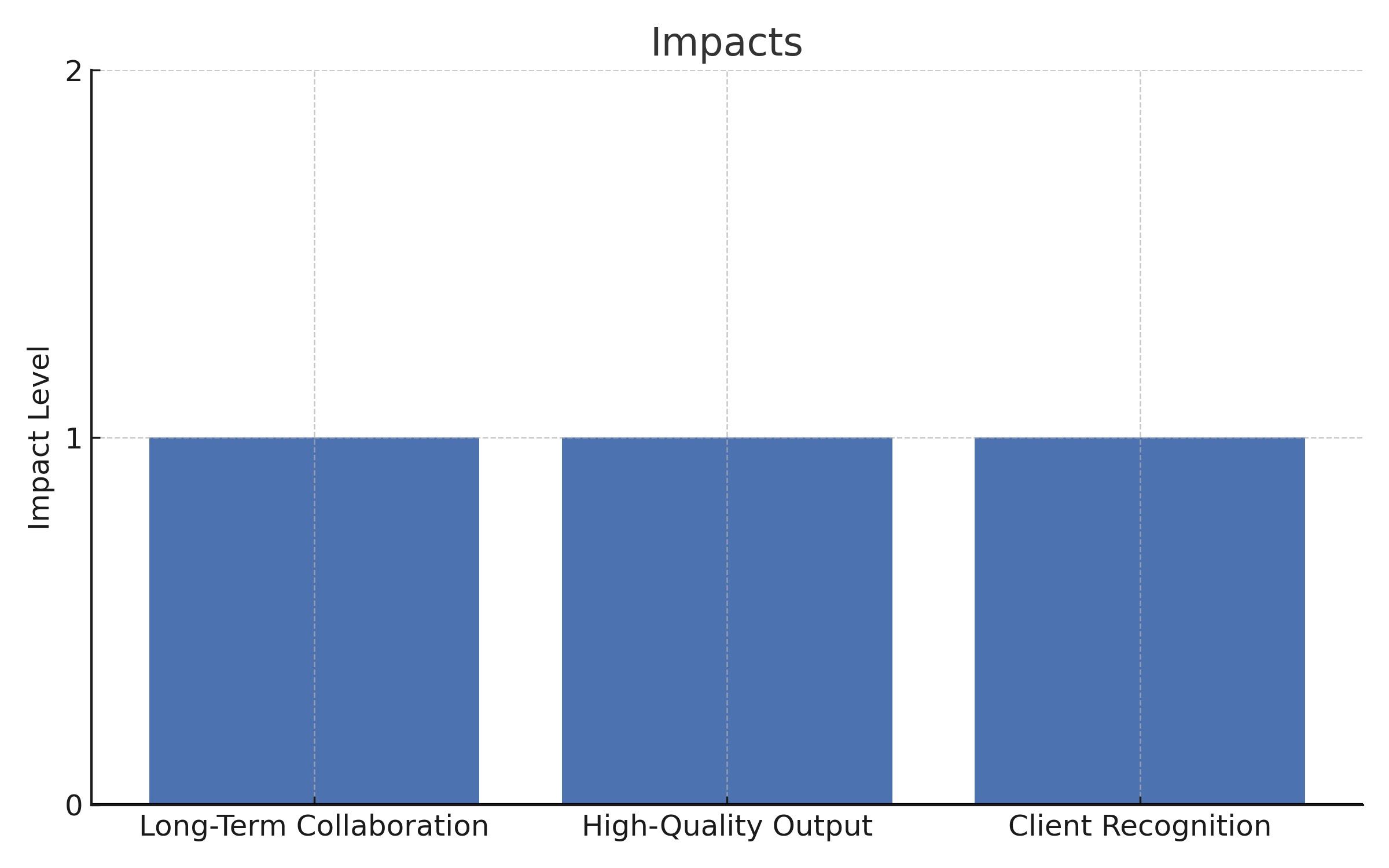
- Long-term Collaboration: The successful work led GLOBIS Unlimited to establish an ongoing partnership with eLearningDOC.
- High-Quality Output: Delivered scripts were clear, aligned with learning goals, and built to support active learning in bite-sized formats.
- Client Recognition: eLearningDOC’s blend of instructional design, editing, and quality control won praise from GLOBIS Unlimited’s leadership.
This example shows how eLearningDOC can turn culturally rich, complex content into microlearning modules that are globally effective, striking the balance between clarity, engagement, and cultural sensitivity.
Wrap-Up
Designing multilingual eLearning isn’t just about converting words—it’s about creating learning experiences that feel natural, relevant, and respectful across cultures.
When you:
- Localize fully, adapting tone, examples, and cultural cues—not just the language.
- Write clearly from the start, so meaning stays intact in translation.
- Plan your design for multilingual delivery, accounting for text expansion, different scripts, and layout needs.
- Offer varied formats so learners can engage in the way that works best for them.
- Involve native speakers to refine accuracy and cultural fit.
…you go beyond accessibility and create content that builds trust, increases engagement, and improves learning outcomes worldwide.
The goal is simple: when language and culture aren’t barriers, learners can focus fully on understanding, practicing, and applying what they’ve learned, no matter where they are.